In other words, we are talking about interface designers. So who is it? A UI designer is a person who is responsible for creating a user-friendly, understandable, and positive interface. Let's try to explain with a simple example.
For example, imagine your favourite cake. It is brought to you in a cafe, you see the shape, texture, colours - to the extent of chocolate, cheese, berries, or other elements, you feel a pleasant aroma. Then you take a bite and enjoy the taste. If you really like this cake, you'll probably take another one with you, won't you? And you've become a regular customer!
A similar chain happens with any product in our lives - from eating desserts to getting to know a new website or app. That is why we need people who make the product attractive. Today, hybrid vacancies for UX/UI designers are quite common. What are these letters, what do they mean, and what is the difference between them - we will talk about all this today.
What is the difference between UX and UI design
The main difference between UX and UI designers is what they are actually responsible for. The first ones are responsible for how convenient it will be to work with the product, conditionally, in how many clicks you can order goods on the site. And the latter are called upon to make this site pleasant, to choose beautiful colours, the shape of buttons, menus, etc.
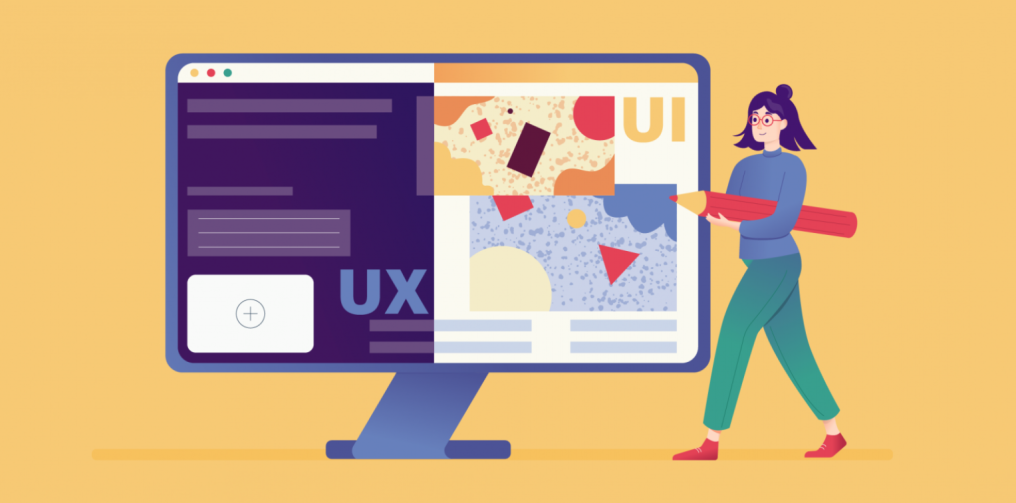
Often, these two functions are assigned to one person to save money, so they are written with a slash, although in fact they are different directions. That's why you can find variants of "Web designer UX/UI" or "product designer" in vacancies, because employers do not always share related design areas, so when looking for a job, try different combinations in the search, even if they do not look very appropriate from a purely professional point of view.
What do UI designers do
The whole point of working in this area is to draw a general picture of a website or application, where the buttons should be, what colours will be, etc. Here it is combined with the UX direction (if someone else is doing it), from which the prototype of the future site is received.
The visual component is very important, it often tries to express the emotions of the brand, for example, the colour scheme is chosen very carefully.
This is what a UI designer does:
- The decision on how the page or its individual parts, blocks, etc. will look like is up to him. It is about shapes and composition to colours.
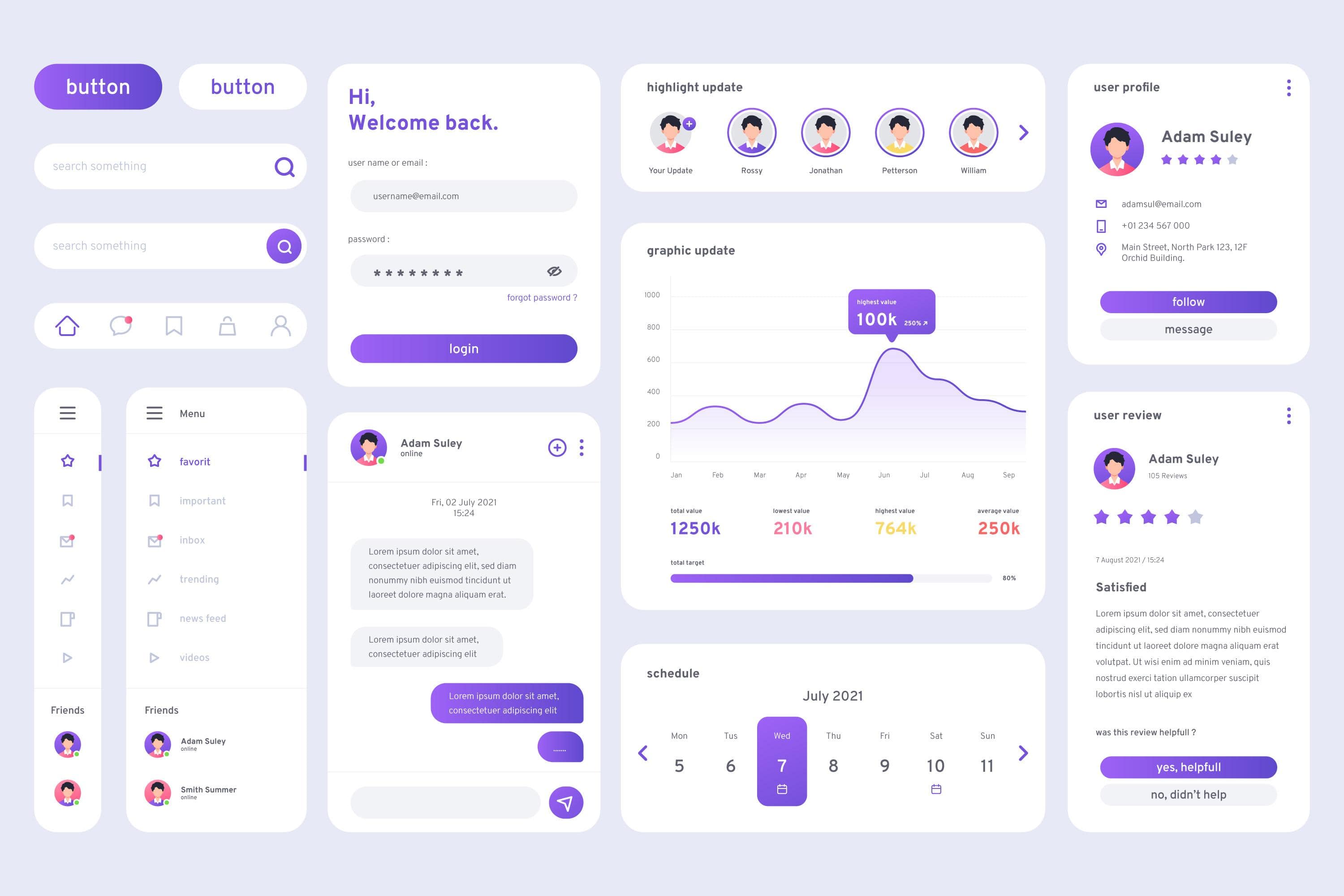
- Next, the designer draws every element of the interface from the registration or order form to every button and bullet point;
- After that, they create the so-called UI-Kit. This is a special document that describes all graphic elements of the interface, typography, and colours.
- The UI functions also include the fact that all elements and the site itself are characterised by uniformity, have a single style and design solutions.
- The adaptability of the design also belongs to this area. This means that it will be equally convenient to interact with the site from both laptops and smartphones, and different models at that.
What does a UX designer do
Here we are talking about how convenient it will be for a person to work on our website or use the application. A good UX designer should be a bit of a prophet and be able to look into the future, that is, understand how to "arrange" everything so that our user is comfortable.
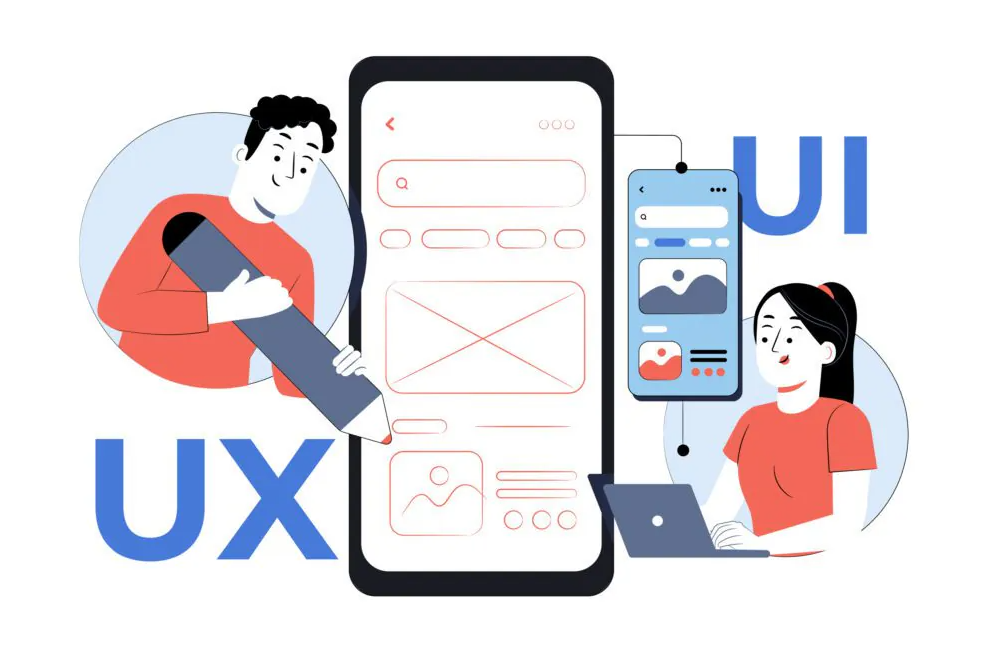
In general, the location of buttons or menus on the site should be logical and help the user quickly do what they came for. For example, you go to buy a product, and here you see the "buy" button, there are several fields that need to be filled in, then the "confirm" button, which is placed on the same screen - and that's it, you bought the product. Or, for example, you didn't fill in a field, clicked "confirm", and the site returns you to an empty field automatically. This is a good example.
But if you have to "guess" and scroll down the page to check a box, this is very bad and you shouldn't do it.
In order to successfully solve these problems, it is important to understand what logic and factors guide people. What's good for a geek is not good for a pensioner, and we have to understand who we are making the product for and make certain decisions accordingly. Someone needs large and simple elements on the website, while others like quick access.
You also need to keep an eye on competitors (or colleagues, as you like), their successful and unsuccessful decisions, so as not to fall into a puddle yourself and not step on the rake that has already cracked other designers' foreheads.
So, the functions of a UX designer can be reduced to the following:
- He conducts UX research and product testing.
- Then they find out the needs of the target audience of the future website or application. For example, if it is a website dedicated to a game, it should be adapted specifically for gamers.
- Next, we create so-called warframes and mockups, which are layouts of the future product. They are drawn in a separate program to see how everything "dances" with each other and whether it looks harmonious.
- The next steps are User Flow and User Journey Map (UJM), i.e. special maps of the user's path within the product. This is necessary in order to work out future possible problems before the development stage.
- Next comes the identification of barriers (i.e., some problems) and drivers (what can be called a plus) when interacting with the product. Metrics are also evaluated and recommendations are given on how to improve the user journey and remove all barriers as much as possible.
- And only after that, the creation of a prototype of a website or application begins.
Principles of UI/UX design
As we said above, usually both directions are combined and the same person is engaged in these two areas at the same time. Of course, there are certain generally accepted norms or principles in website and app development. Hundreds of articles and dozens of books have been written about them, so we can talk about it almost endlessly. But let's try to give a brief overview:
- Tailor the design to the person, not the person to the design. For example, a tooltip located above the input line will not be covered by the user's hand when typing.
- Use the system's memory, not the user's. Large amounts of information, dates, and complex calculations should be delegated to the machine.
- It is also important to take care of what they call "the presence of meaning in every screen", that is, each page should be understandable in itself, without reference to the previous and subsequent ones.
- When working with a website or application, continuous feedback should be provided. After all, the user should always understand what is happening and at what stage of the process he or she is.
- You should also avoid unnecessary elements. That is, instead of introducing a new element for a function, you should think about how to give it to an existing one. But at the same time, you don't need to overload the interface. You shouldn't make a very "beautiful" but difficult to use website. For example, everyone has seen websites where you have to use drop-down lists. When there are 1-2 such lists, it's okay, but when you have to navigate through a maze of 4-5 lists, it's a very bad practice.
Or, for example, if it is an online store, the user should be able to quickly and conveniently search for products, filter and group them by some feature, and quickly go to the purchase menu.
Reasons for the popularity of the speciality
It's because today no business can do without its own website or app. And the company's profit depends on whether it is convenient for the user to do what they came to the site or downloaded the application for. That is why hybrid vacancies for designers will never end.
All this determines the popularity of the profession of interface developer. But you need to be prepared for the fact that a designer doesn't just draw prototypes, he or she thinks a lot, researches, and makes strategic decisions together with the team.
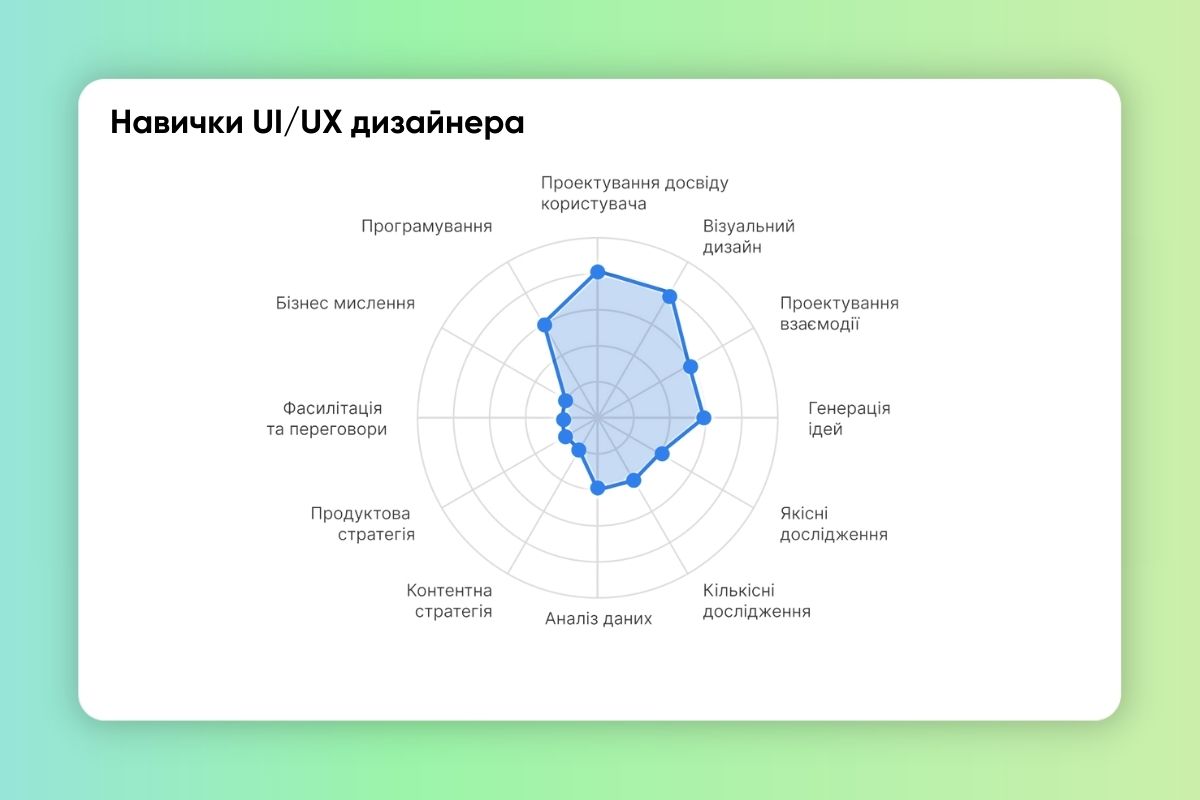
To get started in the profession, a UX/UI designer needs to have basic skills. These include graphic design - knowledge of the laws of typography, the basics of composition and colour. Also, a designer should understand layout and be familiar with HTML and CSS. Knowledge of tools (primarily graphic editors) will be required - and the willingness to quickly learn new tools, if necessary.
If you already know and can do some of this, it will be easier, but you can learn the profession of UX/UI designer from scratch. There are special courses for this purpose. The advantage of this field is that it is somewhat narrower than, for example, web design, and it is faster and easier to learn.
Pros and cons of the job
First, the advantages. First of all, it should be noted the high demand.
UX/UI designers are needed in various fields, including, for example, banks and all kinds of financial organisations and banking in general, websites and applications of hospitals and clinics, of course, in the field of entertainment and others. Nowadays, even special applications like Army+ are being released for the army, and interface designers have worked there as well.
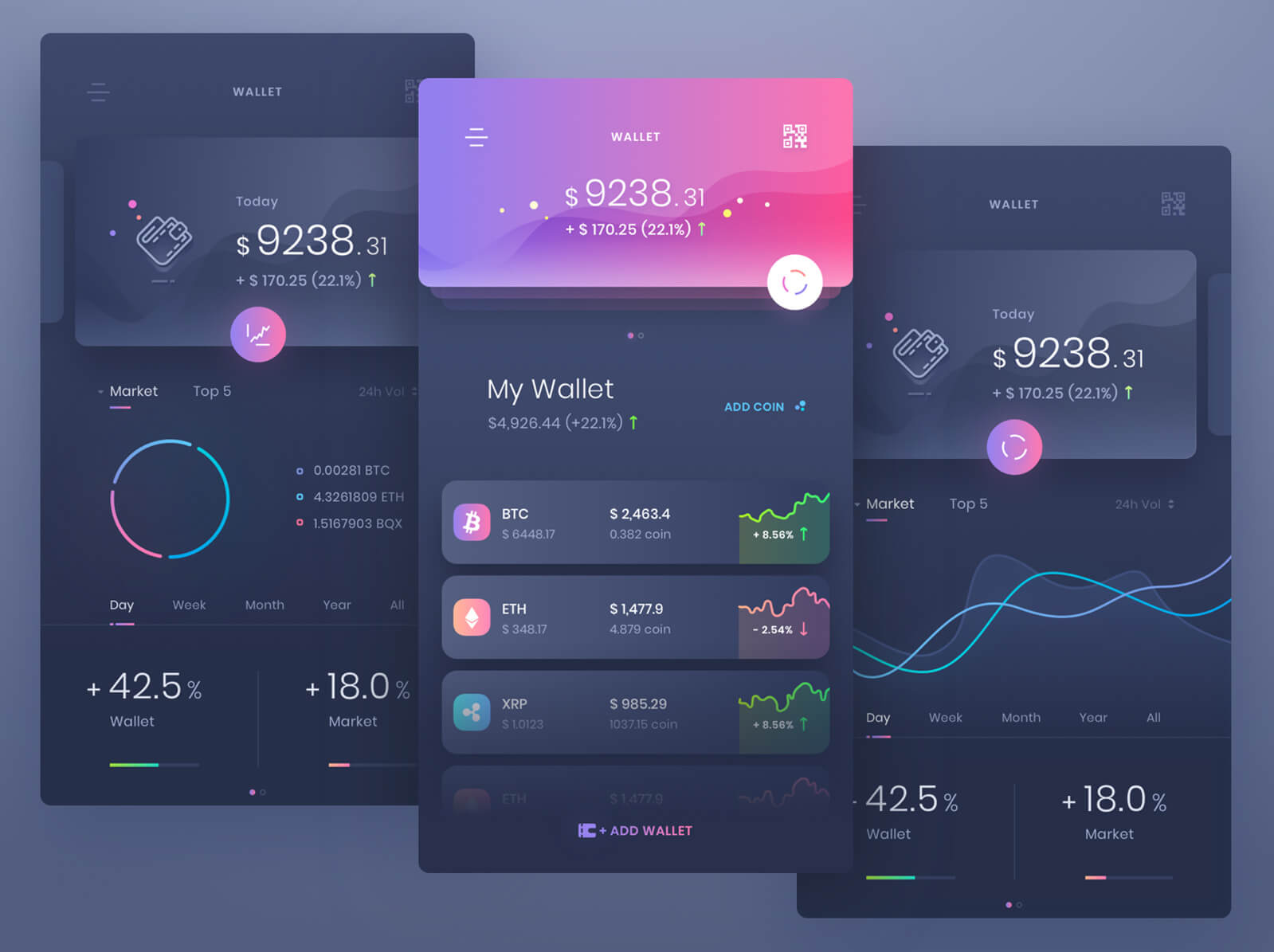
There are ample opportunities for growth. You can develop in UX/UI design, move to project management in a company or develop your own, become a product designer. Moreover, it is a good option for working from home. Many companies offer remote jobs and flexible work schedules.
And finally, we can talk about the satisfaction of your own work. You get the opportunity to influence the product and users. It is the designer's work that determines how easy it is for people to use a digital product.
Now, about the cons. First of all, it's high competition. With the popularity of the profession, competition is growing, especially among novice professionals. You need to constantly develop your skills and update your portfolio.
You need to combine different skills: from data analysis to creating visual concepts. This can be stressful for those who prefer to focus on one task, because not everyone can boast of multitasking.
You will often have to make compromises on a project. The bottom line is that you will often have to coordinate your own decisions with customers, and this does not always happen without "friction", that is, without conflict. You need to look for a golden mean between the initial idea and the client's edits, even if sometimes they seem clumsy or inappropriate.
In addition, you often have to work under tight deadlines. This often leads to overload and, consequently, stress.
Conclusions
This is a very promising area that allows you to combine creativity with remote work without experience, as well as receive a good salary when mastering basic skills. At the moment, online vacancies in Ukraine in this area provide for a salary of about 40 thousand hryvnias and above.
Designers with experience have almost twice as much. Also, as you gain experience and your own portfolio, you will be able to work for foreign companies, where the level of salaries is even higher and the market is larger than ours.
It is much easier to enter the world of design now, because there are many tools that facilitate the work of designers and largely automate it. Of course, there are disadvantages, but they exist in every job and mostly relate to the need to coordinate your intentions with the whims of clients.